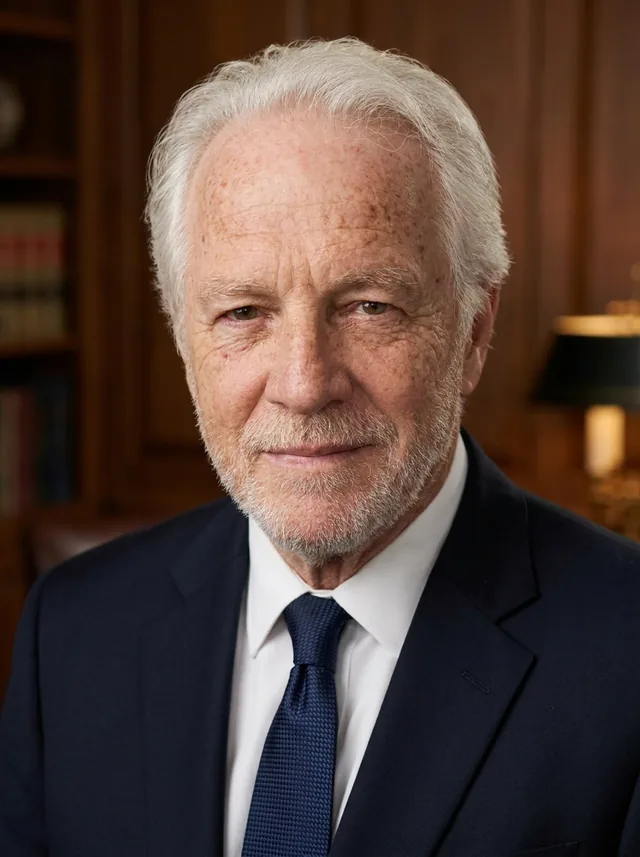
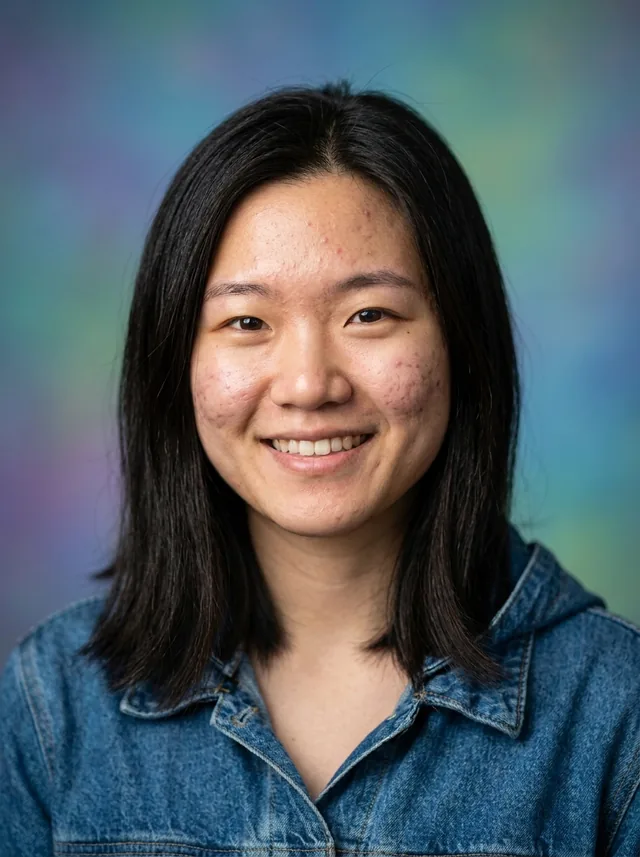
A photo for your email signature
A small, friendly photo next to your name makes every email feel more personal. Get one that stays clear at tiny sizes.
No card needed for the free one. If your headshots don't look like you, tell us within 7 days, before downloading any, for a full refund.
 LinkedIn office
 Open collar, sky blue
 Corporate
 Sweater over collar
Examples
Four phone selfies in, a studio portrait out
The round photo is one of the selfies each portrait was made from. Tap a portrait to see a second style.
Tips
What makes a good headshot for email signatures
- Signature photos are tiny, so keep your face close and centered.
- A bright, plain background works best at small sizes.
- Use the same photo in your signature, LinkedIn and work tools.
Styles
Styles that suit email signatures
Each style gives you four headshots. These are shown on the same face so you can compare them.








Questions
Will it look sharp so small?
Yes. Every headshot is centered chest-up, so it stays clear when shown small.
Will it look like me?
It should, and you check before you download anything. If the headshots don't look like you, email us within 7 days of delivery and we refund you in full.
How does it work?
Choose a plan, upload 4 to 8 selfies, pick your styles and we email you 40 to 120 headshots, usually within two hours. You can get one free first.
See your free headshot before you decide
Upload 3 to 6 selfies and we email you one portrait. If you like it, the full set is one payment away.
Get my free headshot